Creating stunning designs no longer needs a professional degree or expensive software.
Adobe Express is changing the game for students, creators, small business owners, and bloggers.
Whether you want to design Instagram posts, YouTube thumbnails, resumes, or marketing flyers, Adobe Express lets you do it in minutes — even if you have zero design experience.
Table of Contents
What Is Adobe Express?
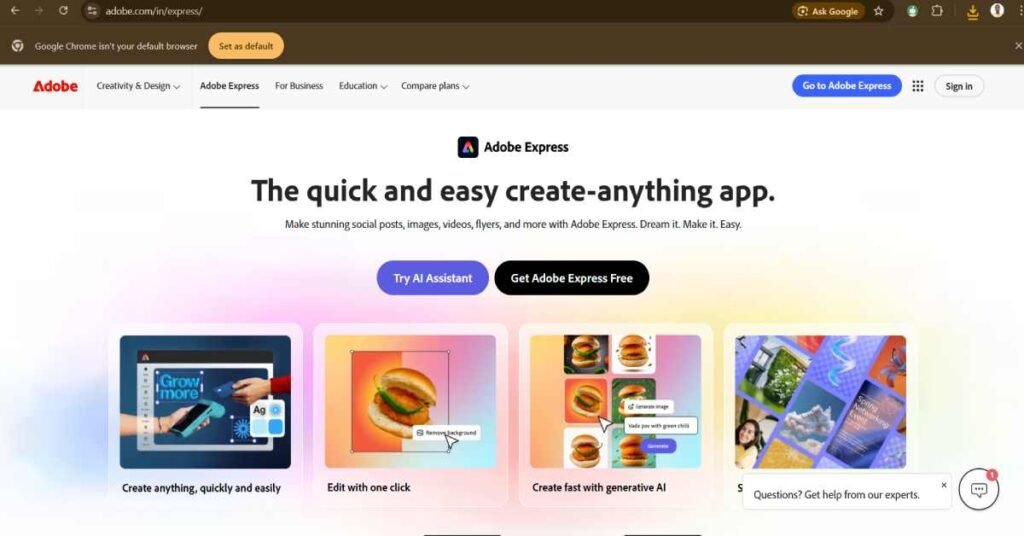
Adobe Express is an all-in-one online graphic design tool by Adobe that helps users create professional-looking designs quickly using ready-made templates, AI tools, and drag-and-drop features.
Think of it as:
- Canva’s powerful competitor
- Photoshop’s beginner-friendly cousin
Best part? You don’t need design skills.
Who Should Use Adobe Express?
Adobe Express is perfect for:
- Students – presentations, assignments, resumes
- Social media creators – reels covers, posts, stories
- Small business owners – posters, ads, banners
- Bloggers & website owners – featured images, thumbnails
- YouTubers – thumbnails, shorts covers
If you’ve ever thought “designing is not for me”, Adobe Express proves you wrong.
Key Features of Adobe Express (Explained Simply)
Ready-Made Templates (Huge Time Saver)
Adobe Express gives thousands of templates for:
- Instagram posts
- YouTube thumbnails
- Posters & flyers
- Logos
- Resumes
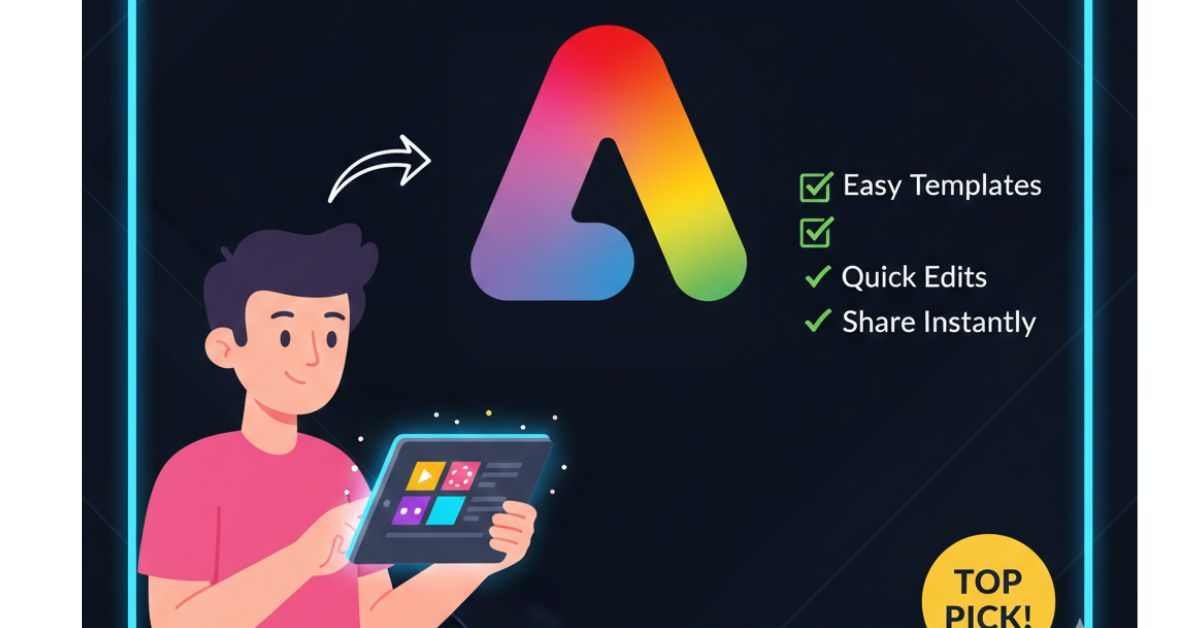
Just change text + image → done.
AI-Powered Design Tools
This is where Adobe Express becomes trending
- Text to Image (AI)
- Background remover
- One-click resize for all platforms
- Text effects with AI
No complex settings. Just click and create.
Works on Mobile + Desktop
Adobe Express is available on:
- Web browser
- Android & iOS apps
So you can design anytime, anywhere — even from your phone.
Is Adobe Express Free or Paid?
Adobe Express comes with two plans:
Free Plan
- Thousands of templates
- Basic design tools
- Limited AI features
Enough for beginners.
Premium Plan
- Advanced AI tools
- Brand kits
- Premium fonts & images
- Faster workflow
Best for creators, bloggers, and businesses.
Adobe Express vs Canva – Which Is Better?
| Feature | Adobe Express | Canva |
|---|---|---|
| AI Tools | Strong | Limited |
| Brand Quality | ⭐⭐⭐⭐ | ⭐⭐⭐ |
| Ease of Use | Very Easy | Very Easy |
| Templates | High Quality | More Quantity |
If you want clean, professional, Adobe-level designs, Adobe Express is a smart choice.
Why Adobe Express Is Trending in 2026
- AI design tools becoming mainstream
- Rise of content creators & solopreneurs
- Demand for quick, professional visuals
- Adobe brand trust
👉 People want speed + quality, and Adobe Express delivers both.
My Honest Opinion (Human Touch)
If you are:
- A beginner
- Not from a design background
- Running a blog or YouTube channel
- Managing social media pages
Then Adobe Express can save you hours every week.
You don’t need to learn Photoshop or Illustrator anymore.
Just open Adobe Express and start creating.
❓ FAQs About Adobe Express
Q. Is Adobe Express good for beginners?
👉 Yes, 100%. No learning curve.
Q. Can I use Adobe Express for YouTube thumbnails?
👉 Absolutely.
Q. Is Adobe Express better than Canva?
👉 For professional-quality designs, yes.